Oven Control Panel Not Working? Why It Will Not Program
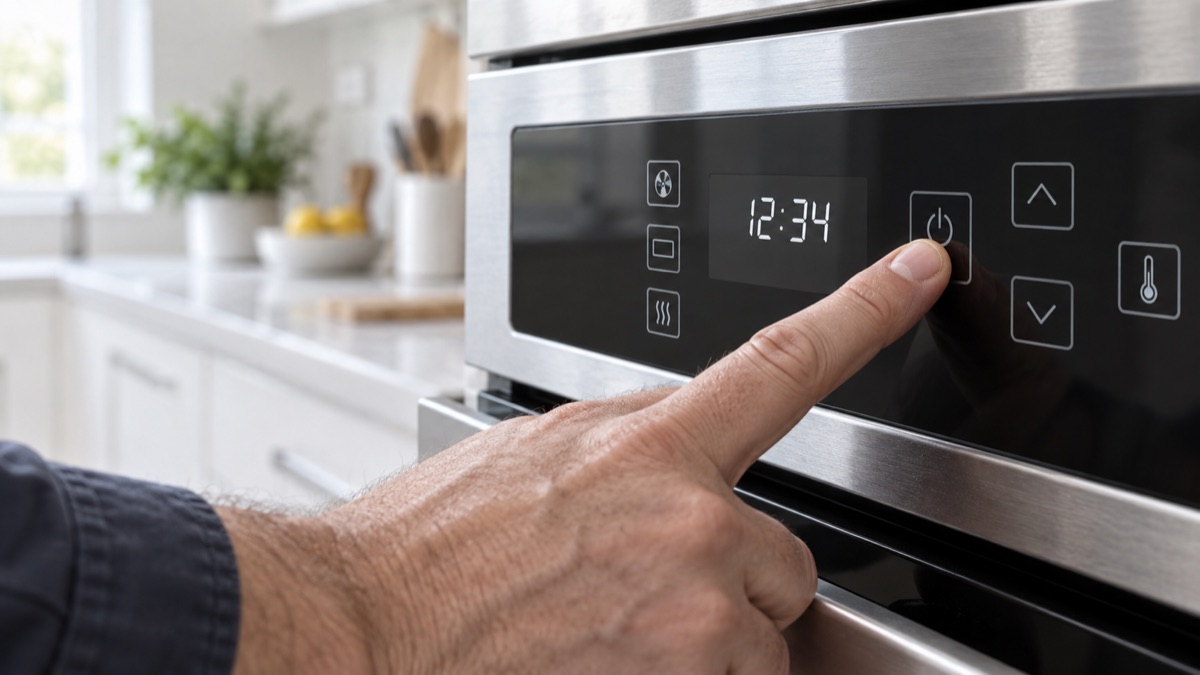
When an oven control panel is not working, the oven will not accept a program and some pads may not respond. Usually, a worn membrane switch or a failed control board is the cause. First, reset the control and test each pad. Then, decide between the membrane and the board below.
Parts to inspect for an oven control panel that is not working
1. Electronic Control Board
A full lockout of the panel points to the control board rather than the pad. The electronic control board runs the oven, reads the sensor, and switches the elements or gas valve. When it fails, the oven may not heat, hold temperature, or respond to the pad. So look for burnt spots and relays that will not click, and confirm it powers each output. Replace the board if it no longer controls the oven.
2. Membrane Switch
The membrane switch is the touchpad behind the control panel that sends your key presses to the board. When it wears out, some buttons stop working and the oven will not accept a program. Therefore, test whether several pads fail or respond wrong. Replace the membrane switch, or the panel it is part of, if the pads no longer register.
Reset the control before replacing parts
Before you replace the panel, try a full reset. First, turn the range off at the breaker for a minute. Then restore power and enter the program again. Next, press each pad and note which ones fail. A single dead row of buttons points to the membrane. A full lockout points to the board. So this quick check tells you which part to order.
Get the parts
We supply OEM and replacement parts in bulk. Browse the Appliance Parts catalog, or request a bulk quote for volume orders.
Is the range old or failing often? So weigh a repair against a new unit, and browse complete ranges and ovens when a replacement makes more sense.
Most of the time, an oven that will not accept a program traces back to one worn part. So replace it, then run a short test and confirm the fix.
In short, an oven control panel not working comes down to the membrane switch or the control board.