Oven Timer Not Working? How to Find the Cause
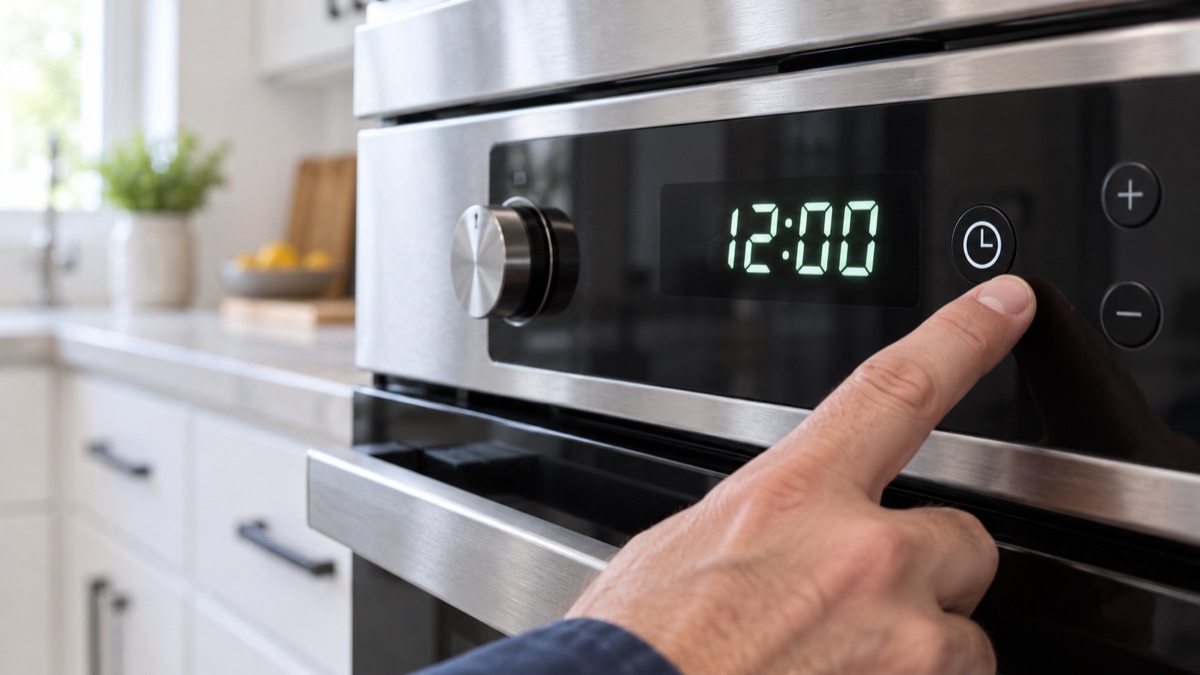
When an oven timer is not working, the clock or program stalls and the cycle will not move on. Usually, a timed mode is holding it, or the electronic control has failed. First, rule out a delay or timed bake setting. Then, reset the control and check the board below.
Parts to inspect for an oven timer not working
1. Electronic Control Board
For a timer that will not move, the control board that runs the clock is the part to check. The electronic control board runs the oven, reads the sensor, and switches the elements or gas valve. When it fails, the oven may not heat, hold temperature, or respond to the pad. So look for burnt spots and relays that will not click, and confirm it powers each output. Replace the board if it no longer controls the oven.
Confirm the mode before you replace the control
Before you condemn the control, rule out a setting. First, check that the oven is not paused in a timed bake or a delay start. Either mode can hold the clock. Then, turn the range off at the breaker for a minute to reset the board. Suppose it still will not advance after a reset, with no timed mode set. Then the control board is the likely fault.
Get the parts
We supply OEM and replacement parts in bulk. Browse the Appliance Parts catalog, or request a bulk quote for volume orders.
Is the range old or failing often? So weigh a repair against a new unit, and browse complete ranges and ovens when a replacement makes more sense.
Most of the time, an oven timer that will not advance traces back to one worn part. So replace it, then run a short test and confirm the fix.