Dryer Taking Too Long to Dry? Causes and Solutions
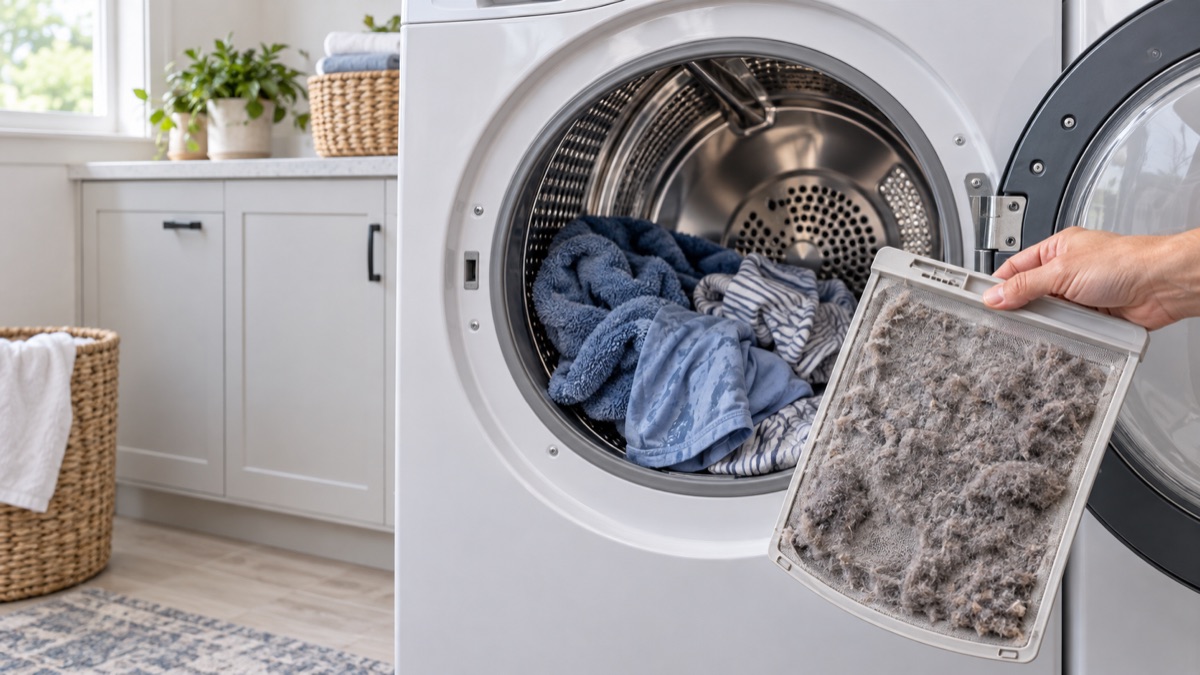
When a dryer takes too long to dry, clothes stay damp after a full cycle. Usually, a clogged lint screen, a blocked vent, or a weak heater is the cause. So clean the lint screen and clear the vent first. Then, check the blower, thermostat, and sensor below.
Parts to inspect for a dryer that takes too long to dry
1. Lint Screen & Filter
The lint screen traps lint so it does not clog the vent and choke airflow. When it stays dirty or the housing packs with lint, drying slows and heat builds. Therefore, clean the screen every load and clear the lint from the slot below it. Replace a torn screen so lint does not pass into the blower.
2. Vent Duct & Exhaust
The vent duct carries hot, damp air out of the dryer to the outside. When it kinks, crushes, or fills with lint, clothes stay wet and the dryer overheats. So disconnect the duct and clear it end to end, then check the outside flap opens. Replace a crushed or leaking duct to restore airflow.
3. Blower Wheel
The blower wheel pulls air through the drum and pushes it out the vent. When it cracks, clogs, or loosens on the shaft, airflow drops and drying slows. Therefore, check the wheel for lint, cracks, and a tight fit. Clean or replace the blower wheel if it is damaged or wobbles.
4. Cycling Thermostat
The cycling thermostat turns the heat on and off to hold the drum at the set temperature. When it sticks, the dryer runs cold, stays too hot, or dries unevenly. Therefore, test the thermostat for continuity and correct switching. Replace it if it does not open and close at temperature.
5. Heating Element
The heating element warms the air that dries your clothes on an electric dryer. When the coil burns out or shorts, the drum turns but the air stays cold. Therefore, test the element for continuity and look for a broken or sagging coil. Replace the element if it is open or grounded to the housing.
6. Moisture Sensor
The moisture sensor reads how wet the clothes are so an auto cycle knows when to stop. When it is coated or failed, the dryer stops early or runs too long. So wipe the metal sensor bars clean and test the sensor. Replace it if the auto cycle still misjudges the load.
Clean the lint screen and vent first
Before you replace parts, clear the airflow. First, pull and clean the lint screen, then vacuum the slot below it. Next, disconnect the exhaust duct and clear the lint end to end, and confirm the outside flap opens. Often, a clogged screen or vent, not a failed part, is why the dryer takes too long.
Get the parts
We supply OEM and replacement parts in bulk. Browse the Appliance Parts catalog, or request a bulk quote for volume orders.
Is the unit old or failing often? A new ENERGY STAR certified dryer can cut energy use, so weigh a repair against a replacement.
Most of the time, a dryer that takes too long to dry traces back to one worn part. So replace it, then run a short cycle and confirm the fix.